AI-assisted store screenshot workflow

Turn raw app screens into launch-ready stories.

Upload your real app screens, let AI propose the story, headlines, slide order and layouts, then refine every detail and export a polished Apple or Google Play set at the exact size you need.

AI editable stories6 curated layoutsExact store sizes
Solace · App StoreExport

Find your
calm focus.

TODAY4h 32m
1320 × 2868 · iPhone 6.9"
Exact output size
03 slides ready

AI screenshot story builder

Give AI the raw screens.
Keep the final say.

AppScreensKit can inspect the screenshots you actually upload and turn them into a structured, editable store story instead of making you start from a blank canvas.

  • 01
    It sees your real product. Multimodal AI works from your uploaded app screens, so the proposal stays grounded in what the app actually does.
  • 02
    It builds the whole story. Get a 3–5 slide sequence with benefit-led headlines, subtitles, source-screen choices, layouts and palette direction.
  • 03
    Nothing is locked. Preview the proposal, apply it to the editor, then change every word, image, layout and color before export.

AI is available in signed-in projects. The public demo stays deterministic and does not make billable AI requests.

Uploaded screens4 sources

Your screenshots stay the source material. AI proposes the presentation around them.

Screenshot story proposal✦ AI READY
01
Plan your day at a glanceLead with the clearest product benefit
Centered Hero
02
Focus on what matters nowShow the strongest supporting workflow
Split
03
See your progress buildClose with an outcome-focused proof point
Floating Card
Apply editable story to editor
✦ Built from your screenshots

Purpose-built layouts

Start polished.
Stay on brand.

Make every
moment count.

Centered Hero

Make every
moment count.

Split

Make every
moment count.

Floating Card

From screenshot to store story

One focused workflow.
A whole launch set.

  1. 01Choose a store size

    Start with a verified Apple or Google output preset.

  2. 02Shape the story

    Upload, use AI or choose a layout yourself, then tune only the controls that matter.

  3. 03Export with confidence

    Download opaque PNGs at the exact selected dimensions.

Made with AppScreensKit

From raw screens to a
store-ready set.

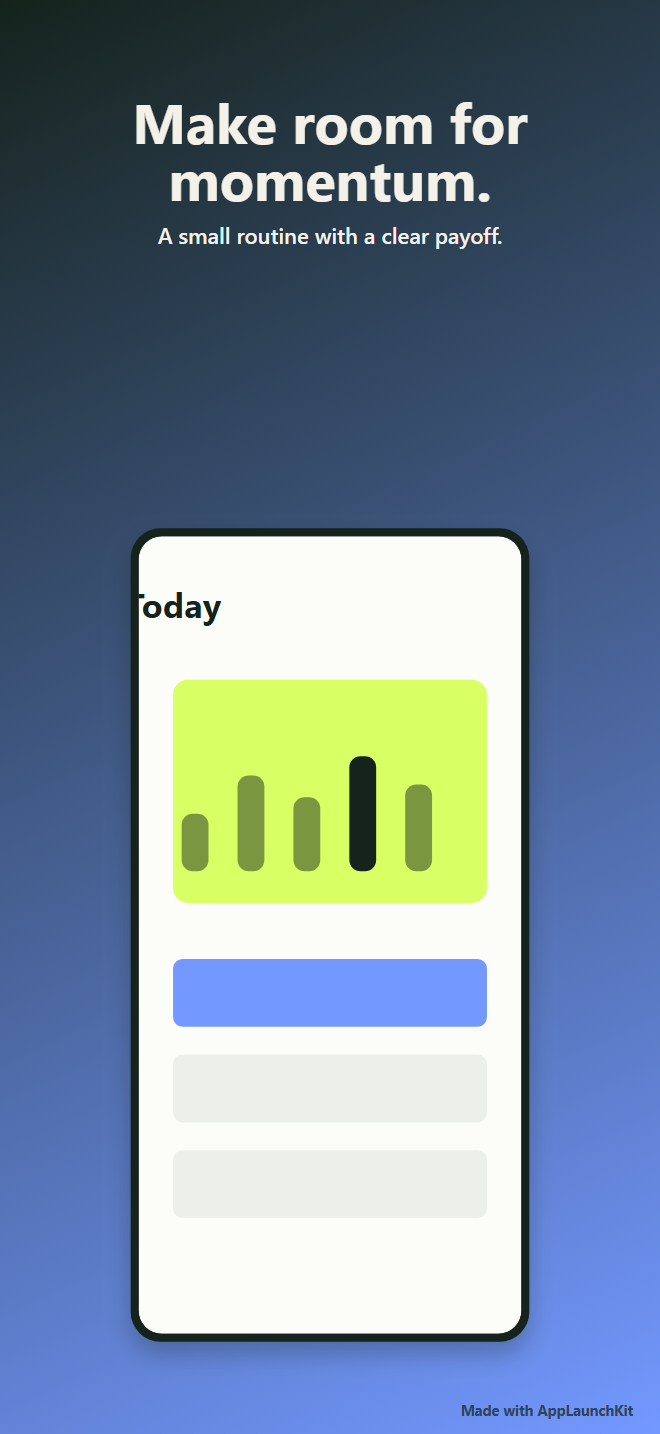
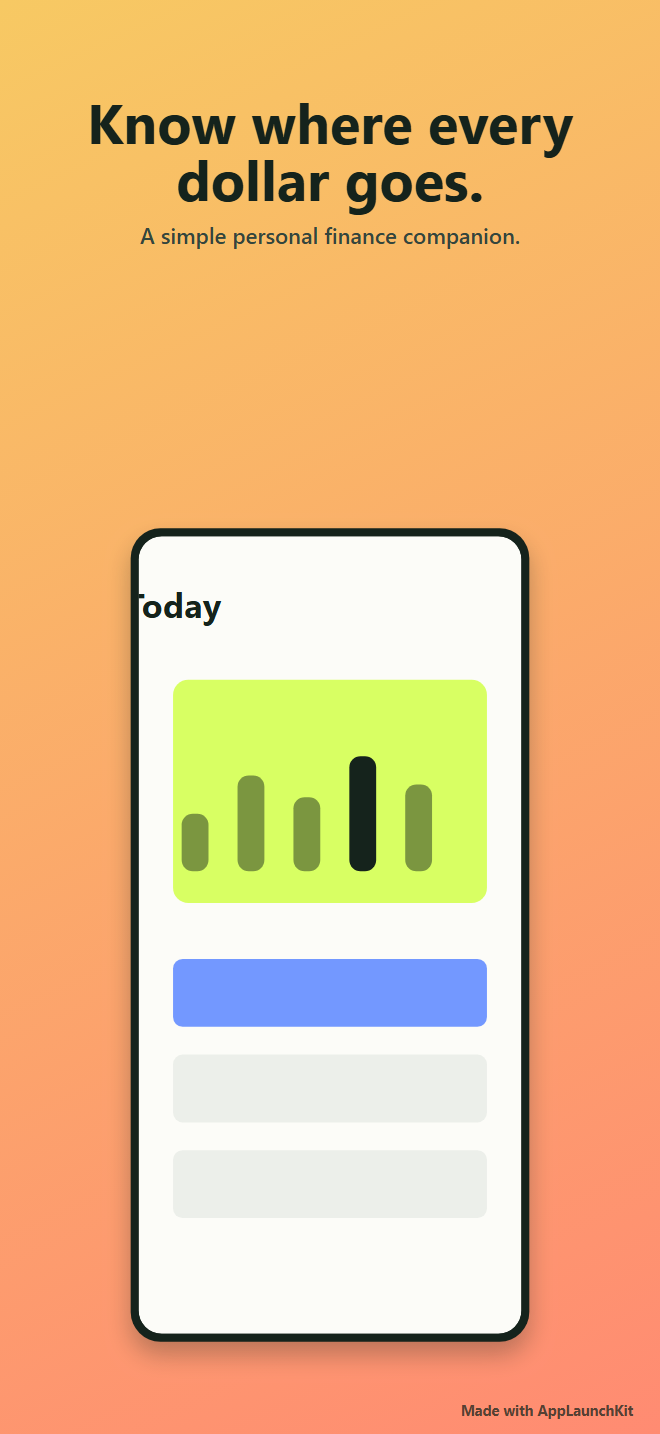
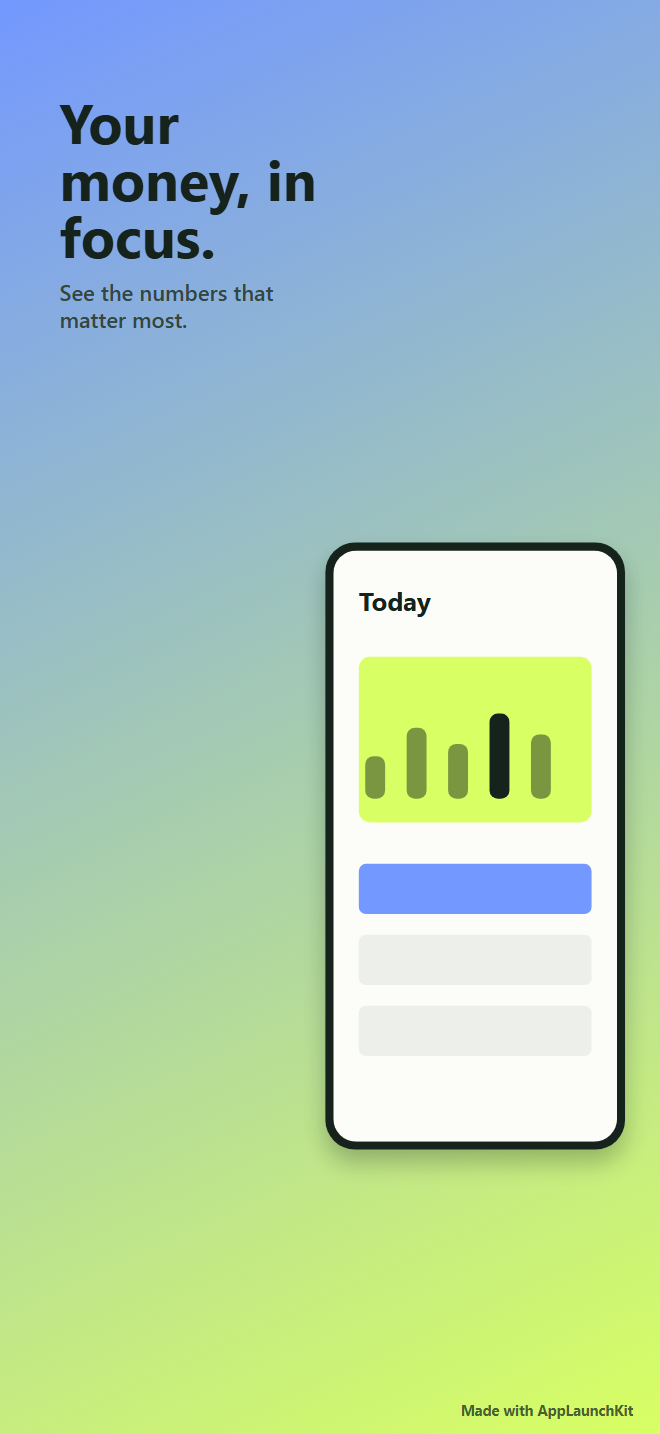
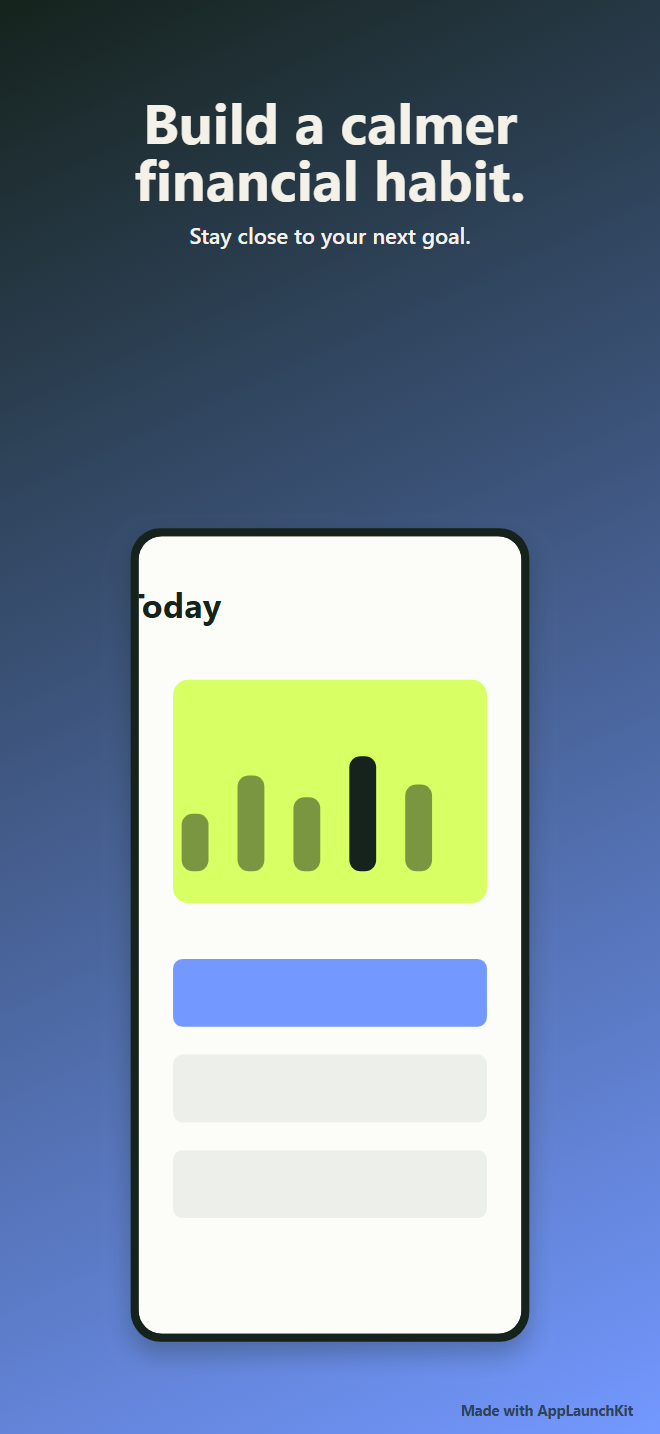
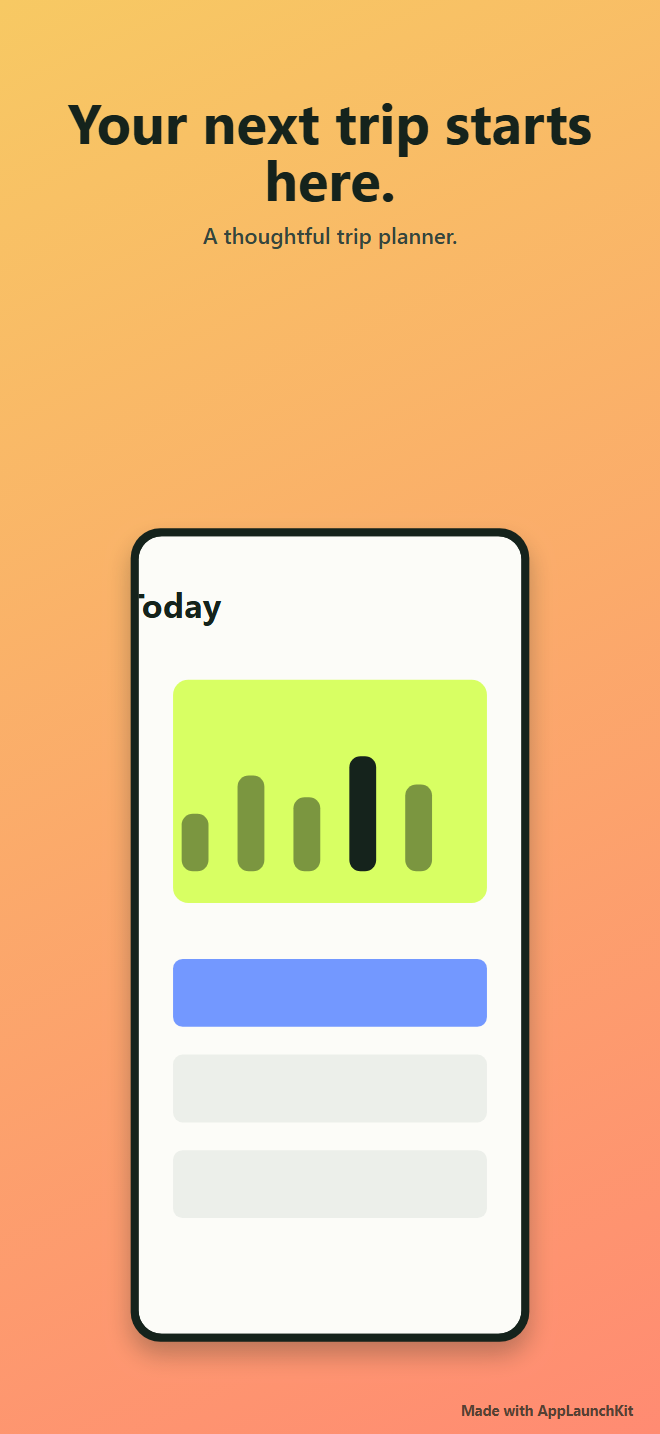
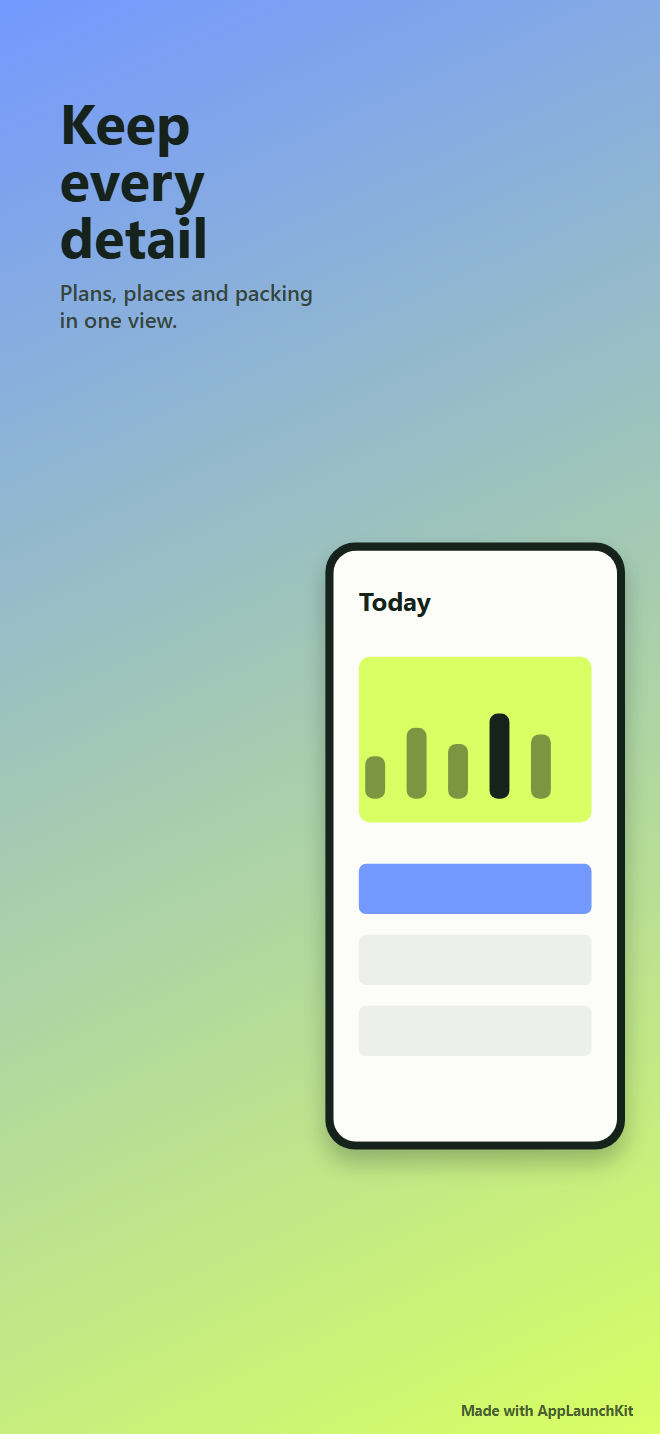
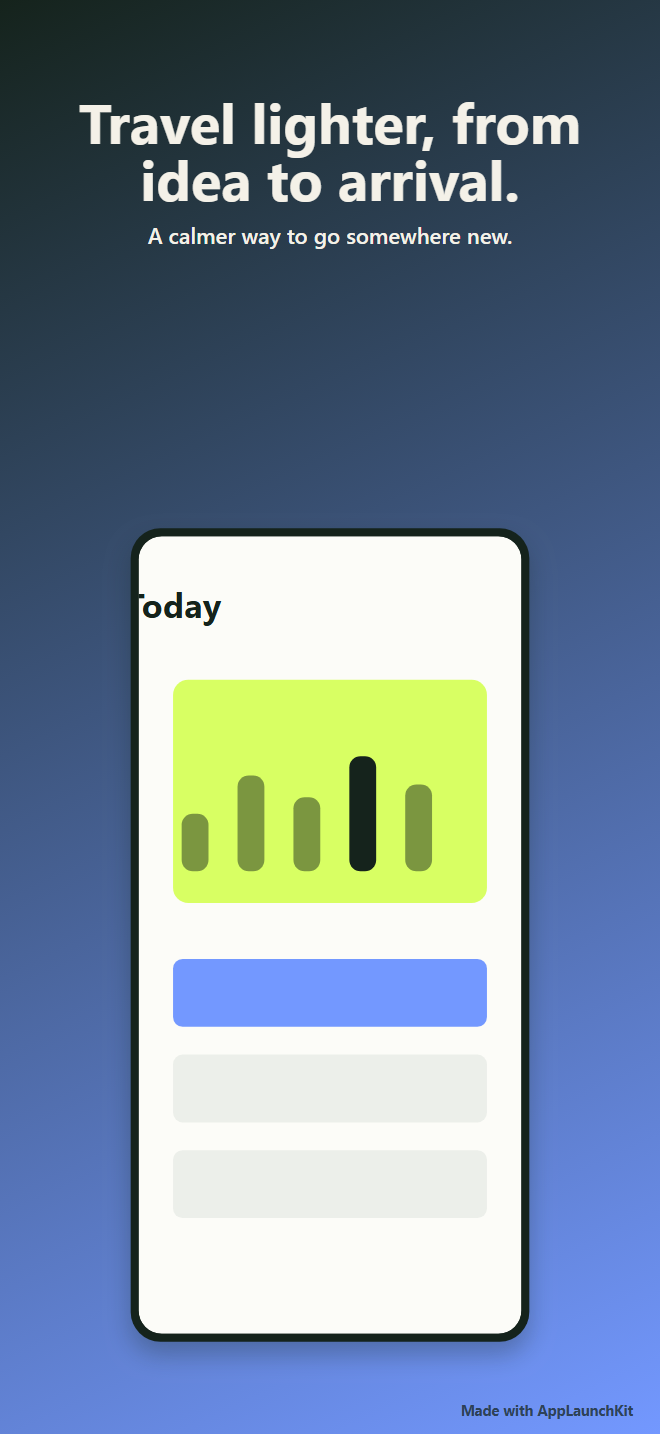
Original fictional demo apps, exported through the same AppScreensKit editor and export pipeline you can try in the live demo.
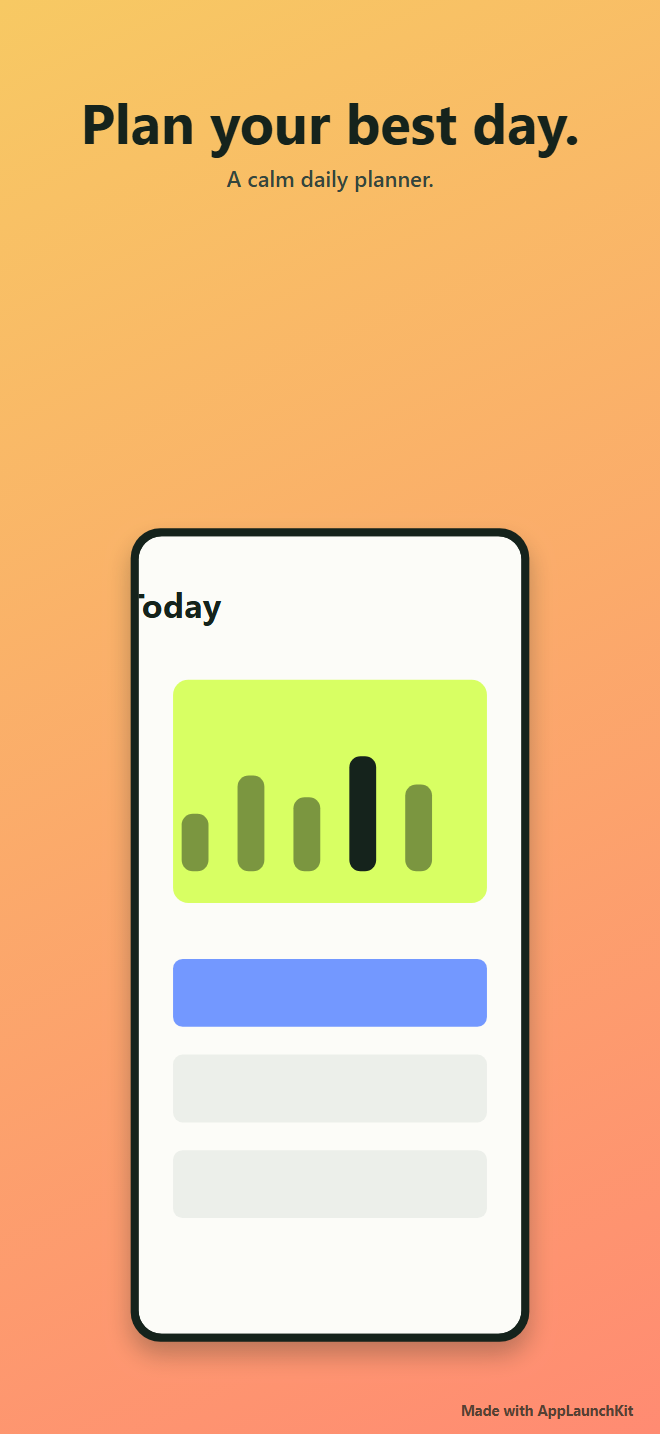
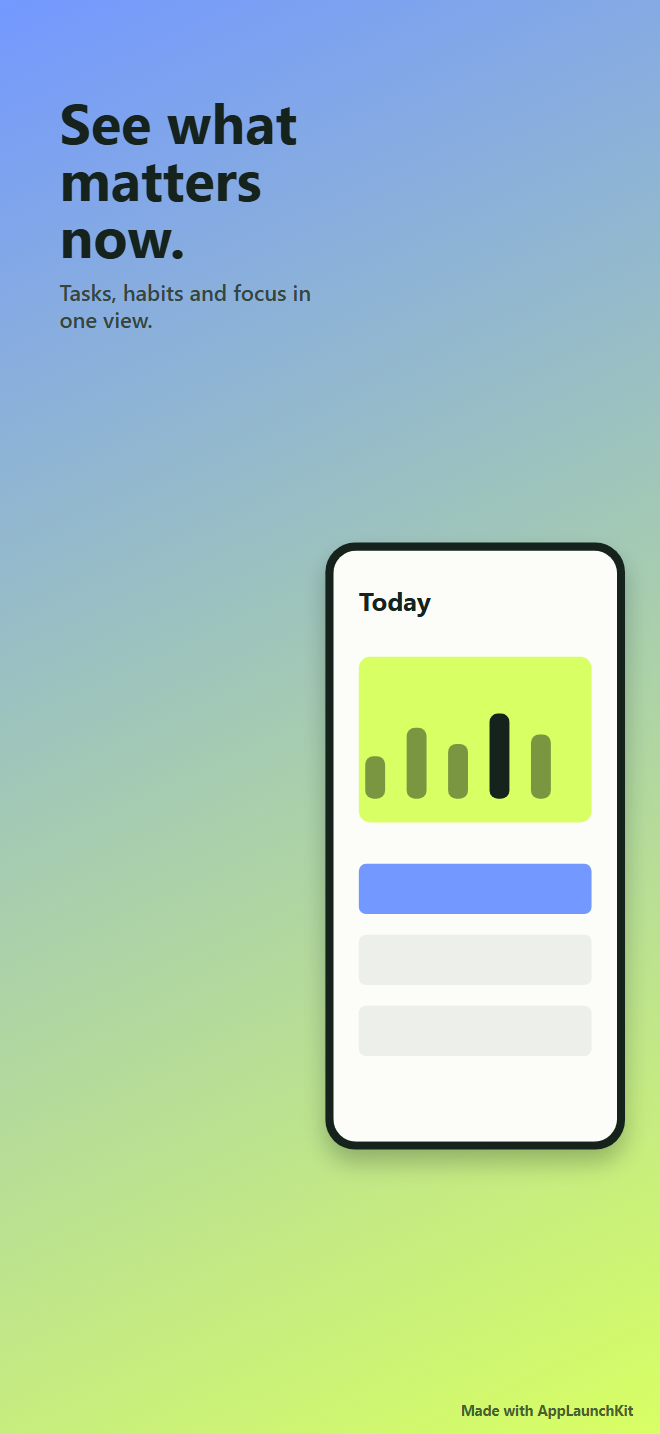
Daymark exported screenshot 1
ProductivityDaymark · 1
Daymark exported screenshot 2
ProductivityDaymark · 2
Daymark exported screenshot 3
ProductivityDaymark · 3
Ledgerly exported screenshot 1
Personal financeLedgerly · 1
Ledgerly exported screenshot 2
Personal financeLedgerly · 2
Ledgerly exported screenshot 3
Personal financeLedgerly · 3
Wanderlist exported screenshot 1
TravelWanderlist · 1
Wanderlist exported screenshot 2
TravelWanderlist · 2
Wanderlist exported screenshot 3
TravelWanderlist · 3
Make your own set in the demo

Simple pricing

Preview everything for free.
Export exact with Pro.

Free

$0

Explore the complete editor

  • 2 active projects
  • 5 slides per project
  • All six templates
  • 50% preview PNG
  • Small AppScreensKit watermark
  • 10 previews each month
Try the demo

Pro Annual

$79/year

Save about 27% versus monthly billing

  • Everything in Pro
  • One simple annual invoice
  • Stripe customer portal
  • Cancel whenever you need
  • Buyer-editable pricing config
  • No lock-in
Store requirements change.

AppScreensKit keeps preset dimensions in a version-controlled registry and links to official Apple and Google guidance. Always verify requirements before submission.

Questions, answered

Everything you need
to start with confidence.

What does AppScreensKit create?

It turns your app screenshots into editable Apple App Store or Google Play screenshot slides and exports opaque PNGs at the selected preset dimensions.

Do I need Figma or Canva?

No. The editor includes layouts, colors, copy controls, device framing, ordering, and export in one focused workflow.

Does it support Apple and Google Play?

Yes. Choose a current Apple or Google preset, then always check the official store requirements before you submit.

Where do my screenshots live?

The public demo keeps its changes in your browser. Signed-in projects store uploaded screenshots in a private Supabase bucket and use owner-scoped signed URLs when needed.

Can I edit an AI-generated screenshot set?

Yes. AI proposes an editable story using only your uploaded screens and existing templates. You can change every layout, word, color, and image after applying it.

What is included on Free versus Pro?

Free includes five slides per project and watermarked preview PNG exports. Pro adds ten slides, exact-size PNGs, ZIP packs, and higher monthly AI and export limits.

Can I use exports for client or commercial app work?

You can use your own exported screenshots for your app or client work, subject to the AppScreensKit Terms and any third-party assets or store rules that apply.

Do store screenshot requirements change?

They do. AppScreensKit keeps its preset registry versioned, but you remain responsible for checking Apple and Google’s latest submission guidance.